
What data is available for Title IV Financial Aid Report?
The Title IV Financial Aid Report enables administrators to monitor student engagement by analyzing data on enrolled students who have zero course participation or course page views. This report aids in verifying attendance and academic activity for financial aid compliance.
The dashboard provides high-level summary tiles for Students with No Course Participation and Students with No Course Page Views.
What data is available for Title IV Financial Aid Report?
1. Title IV Financial Aid Report

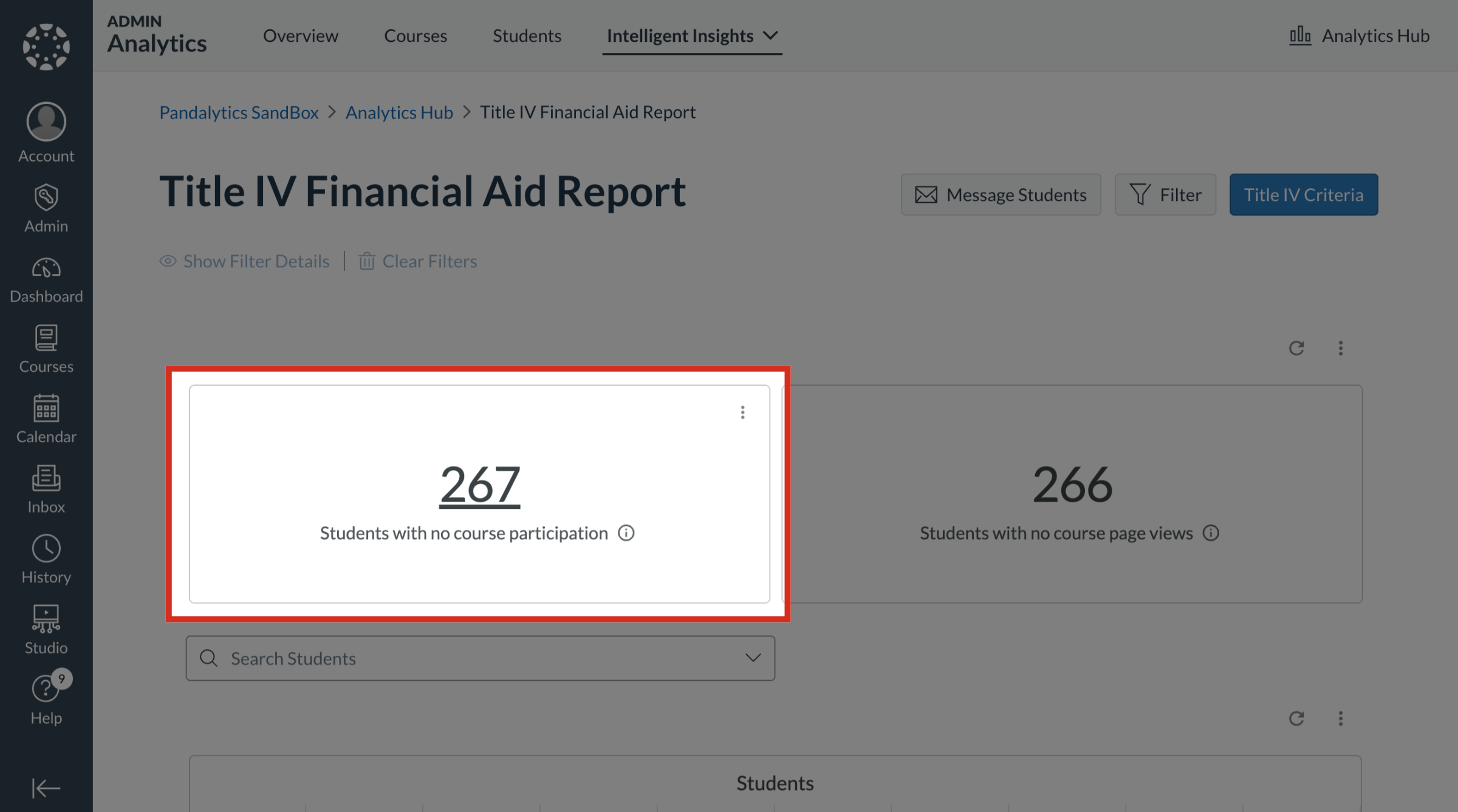
2. Students with No Course Participation
The Students with no course participation tile displays the total count of enrolled students who have not yet actively engaged with the class activities.
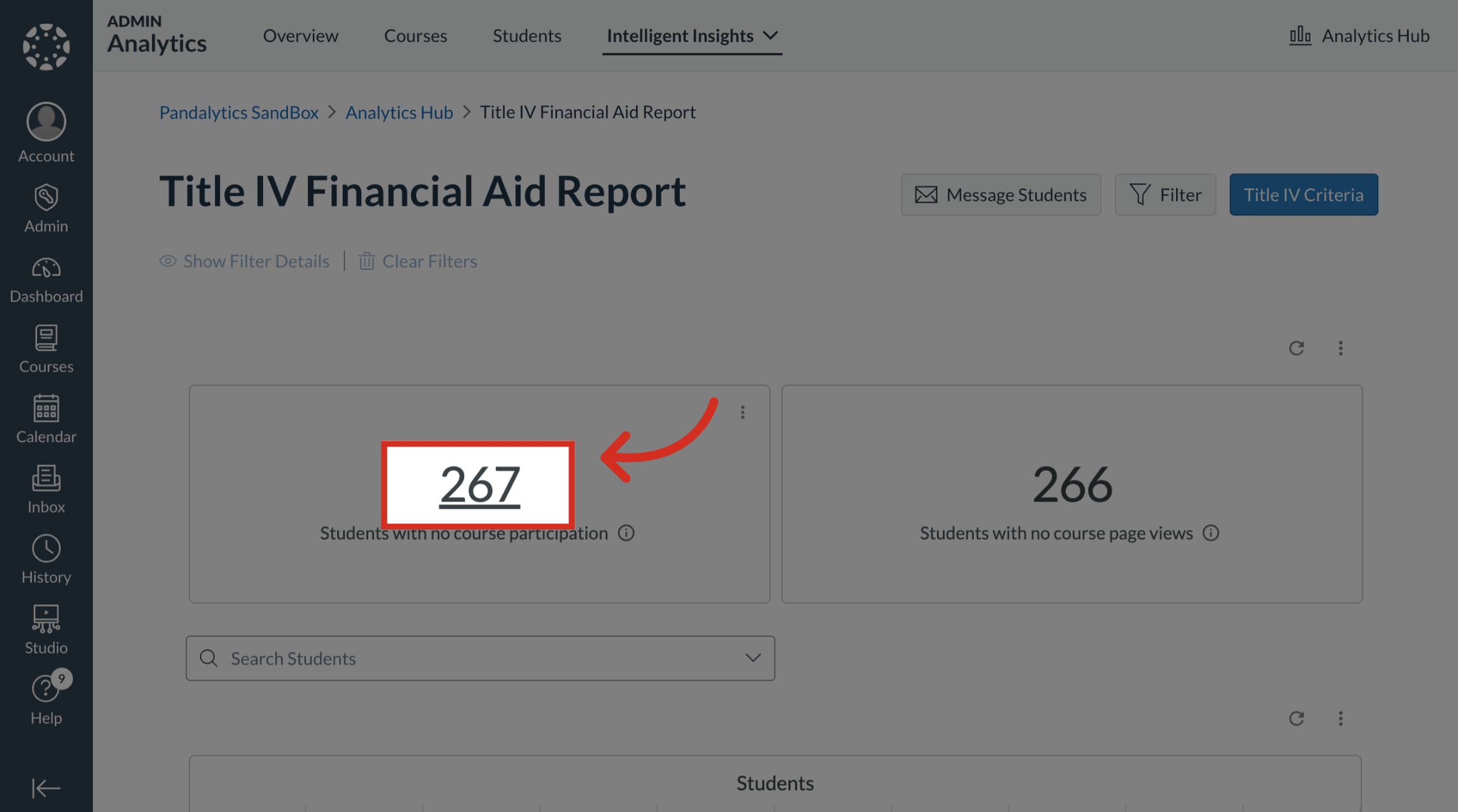
3. Open Students with No Course Participation Table
To view the students that meet the criteria for no course participation, click the Students number link.
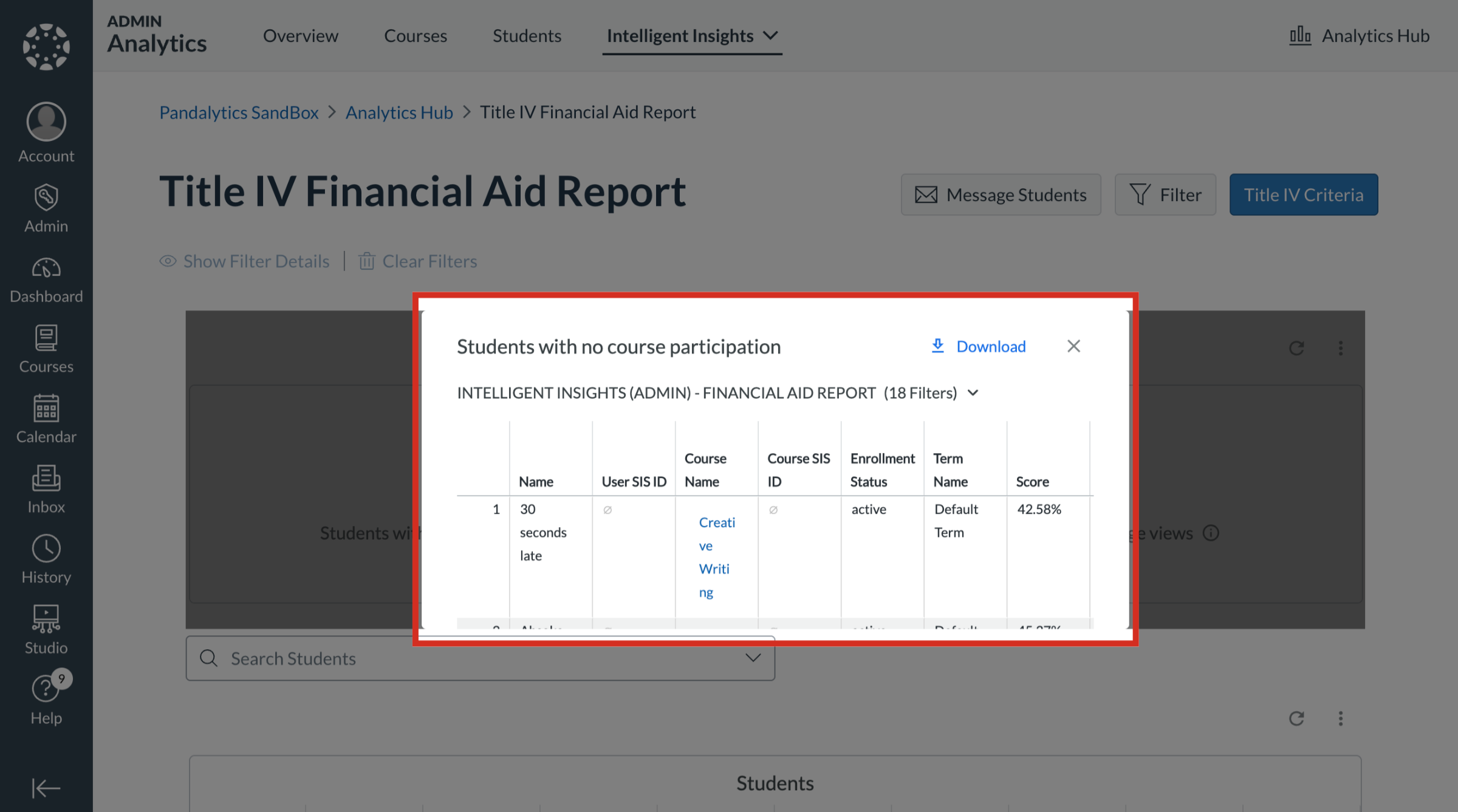
4. View Students with No Course Participation Table
A table displays the students that are identified for no course participation. To download the table, click the Download button.
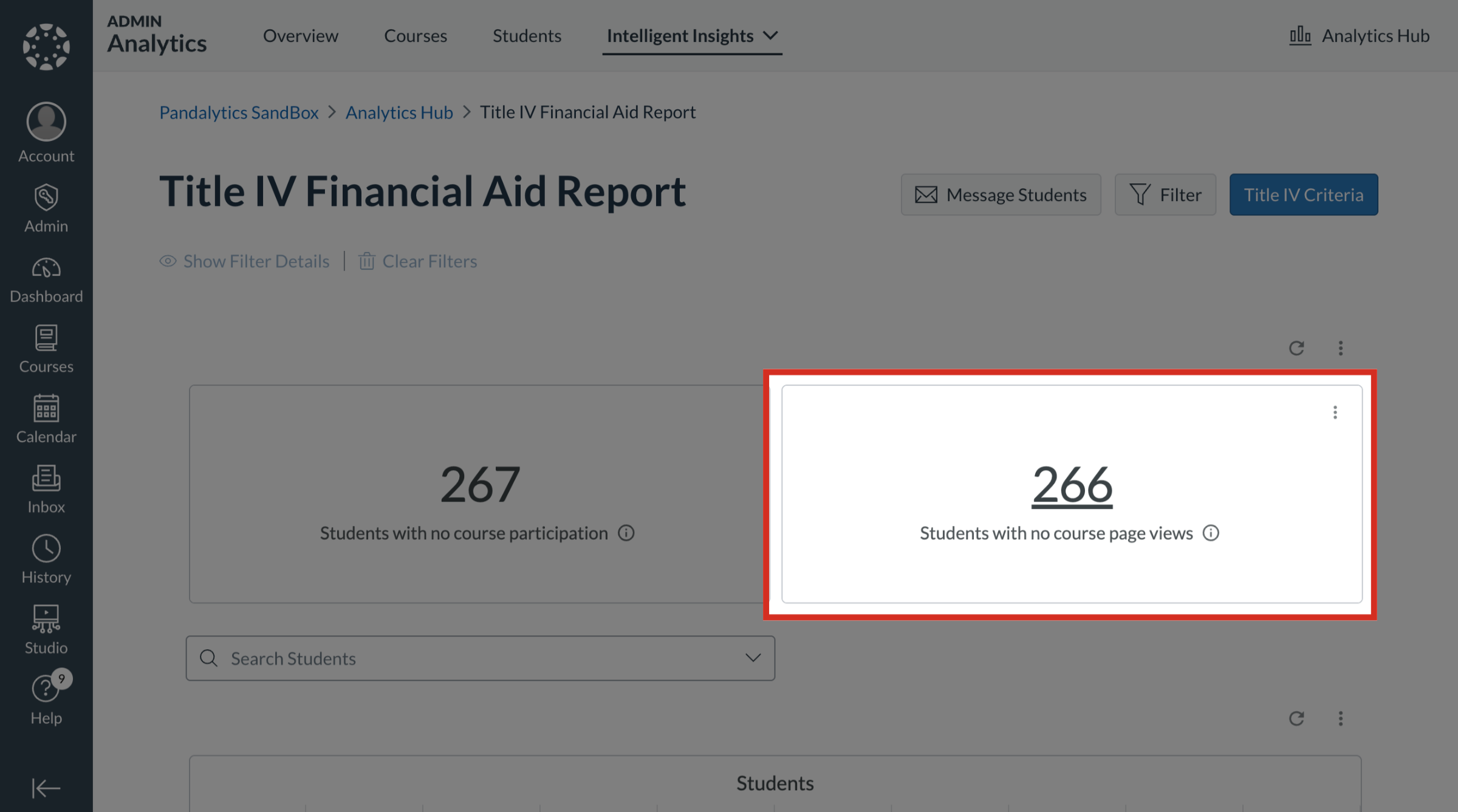
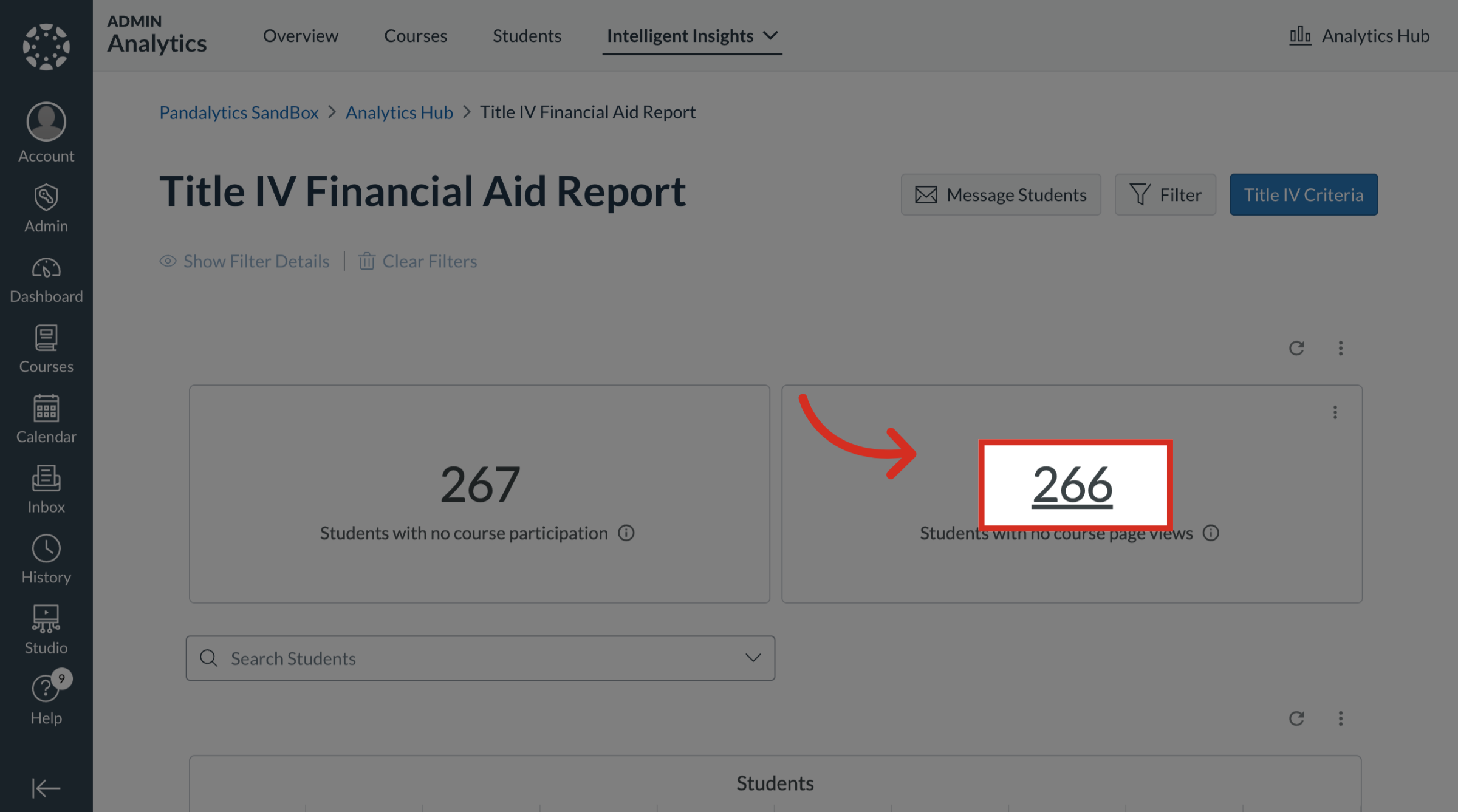
5. Students with No Course Page Views
The Students with no course page views tile displays the total count of enrolled students who have not yet viewed with a course page.
6. Open Students with No Course Page Views
To view the students that meet the criteria with no course page views, click the Students number link.
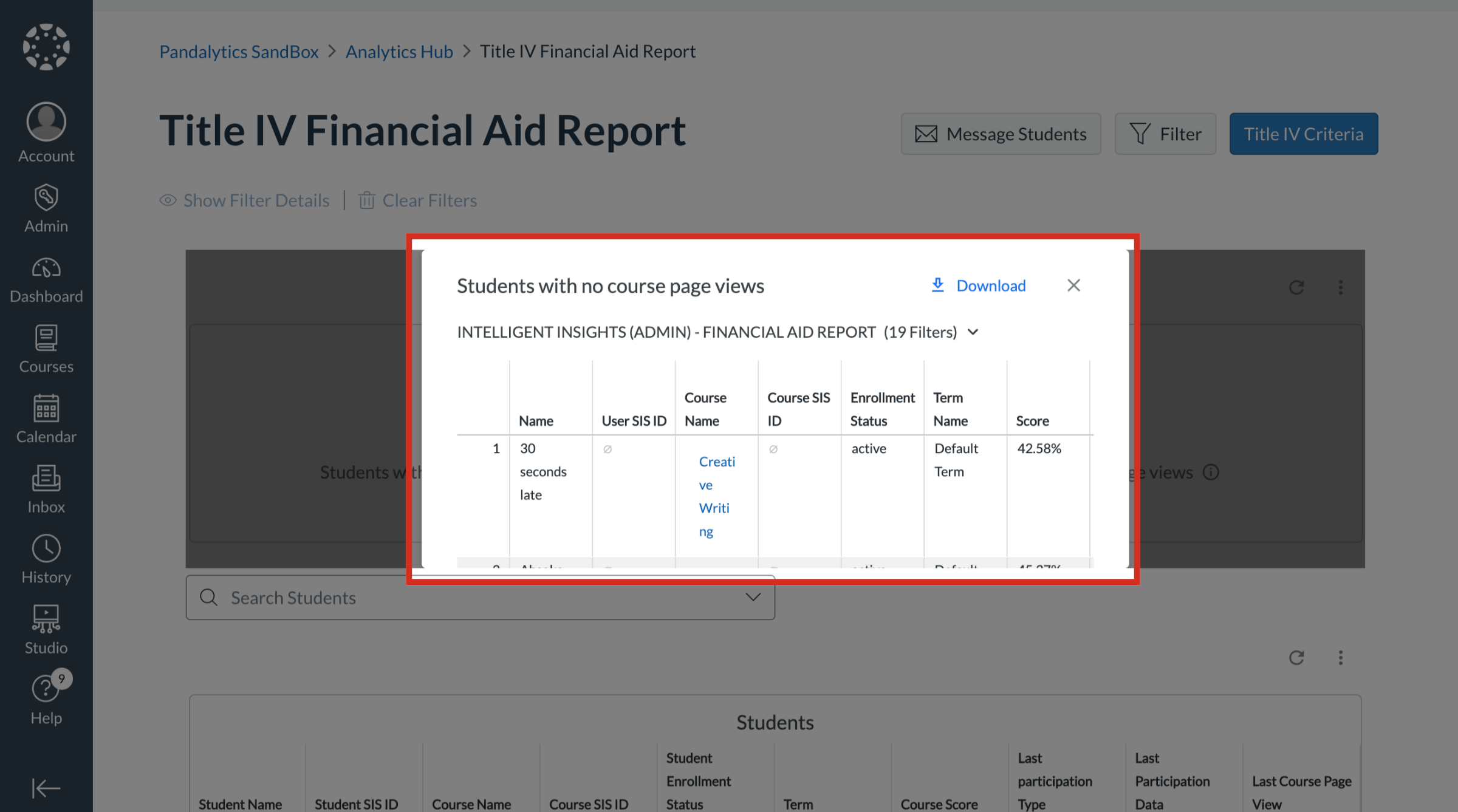
7. View Students with No Course Page Views
A table displays the students that are identified with no course page views. To download the table, click the Download button.
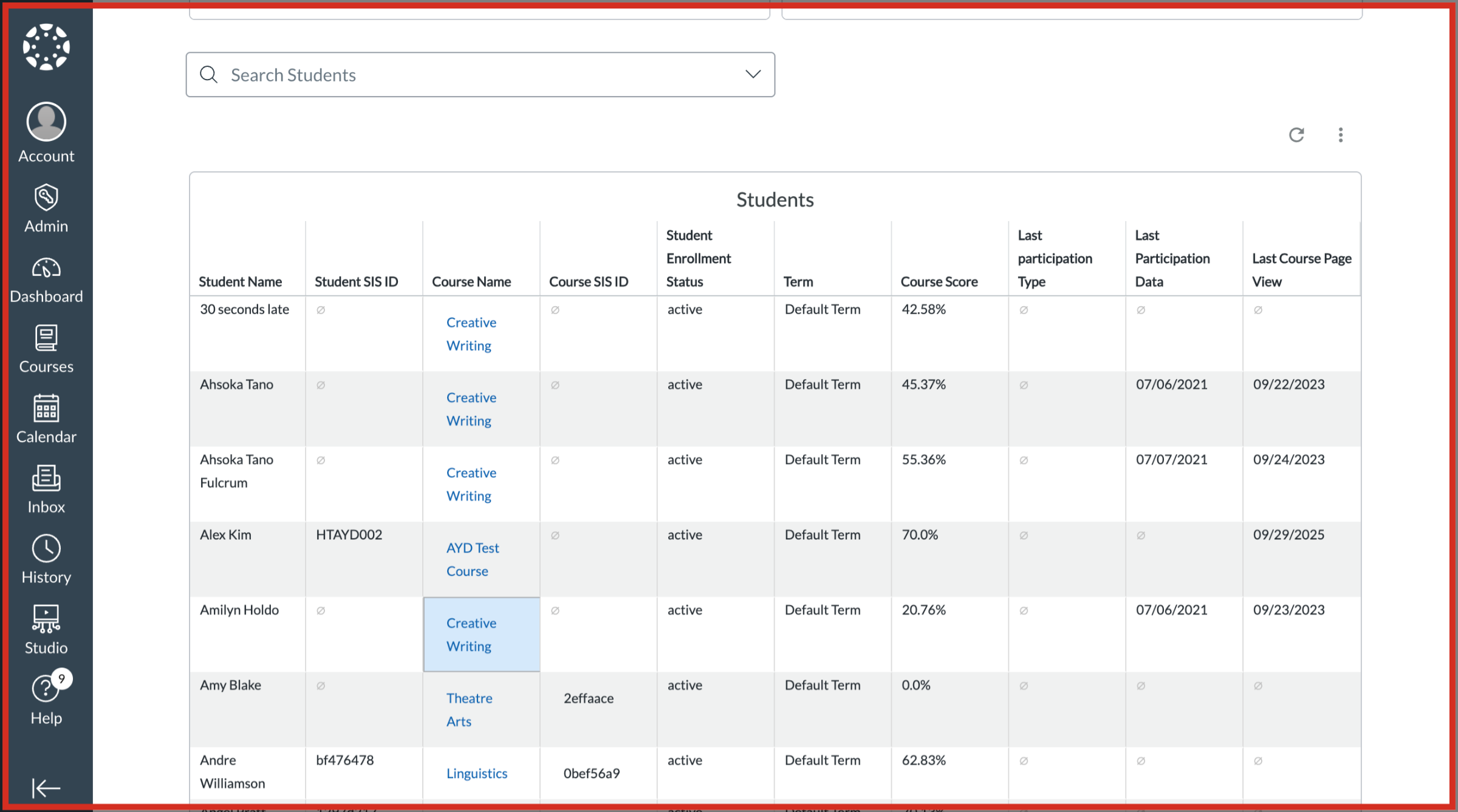
8. Title IV Financial Aid Report Table
The Title IV Financial Aid Report table displays the students name with the following information:
User SIS ID
Course Name
Course SIS ID
Student Enrollment Status
Term
Courses Score
Last Participation Type
Last Participation Date
Last Course Page View
9. Search Students
To search for individual students, click the Search Students field.

